





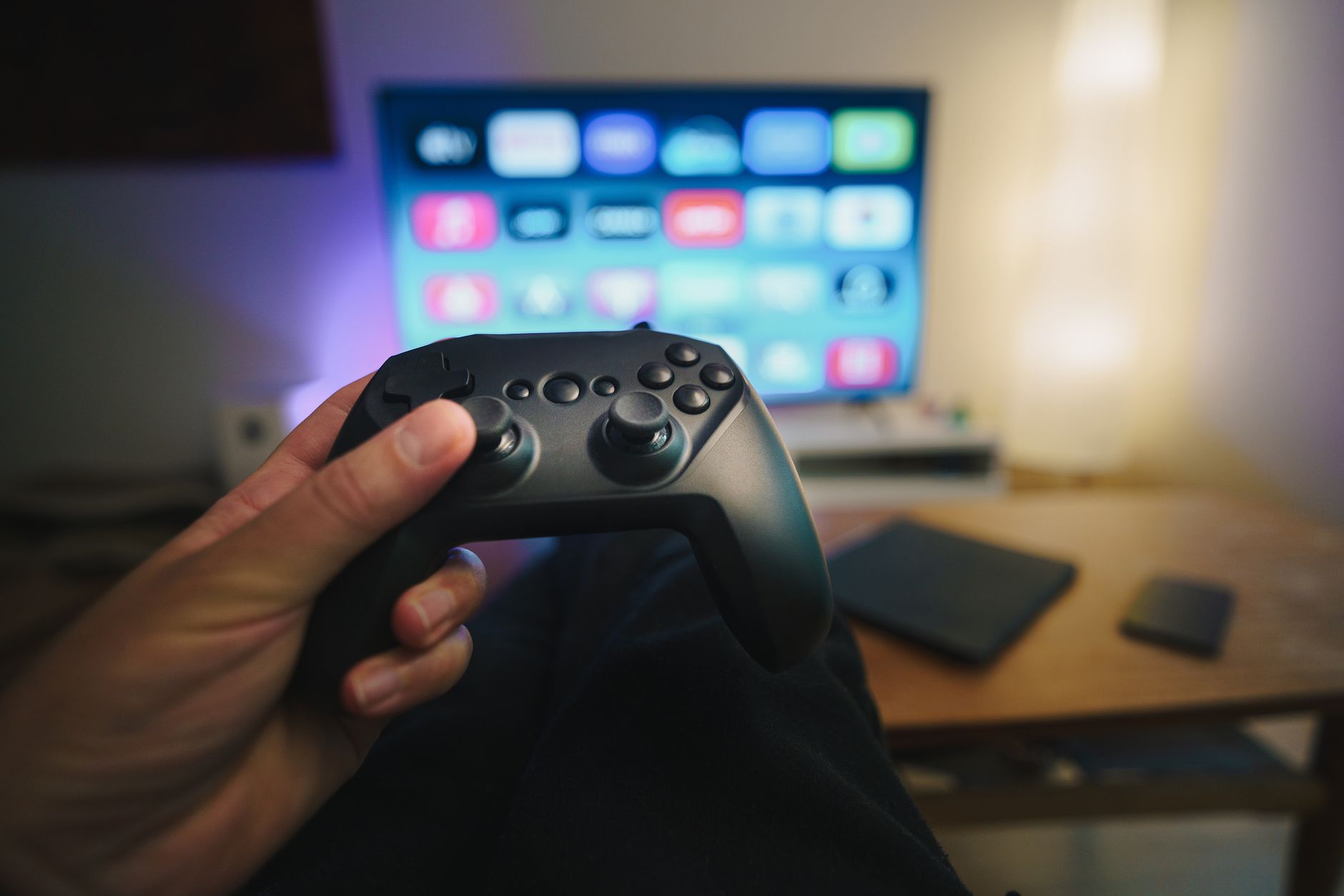
The Xbox app on TCL TVs allows gamers to access their favorite titles without needing a console. This innovative feature makes gaming more accessible and convenient for users.
What is the Xbox App on TCL TVs?
The Xbox app on TCL TVs offers a groundbreaking way for gamers to enjoy their favorite titles without the need for a dedicated console. This innovative application allows users to stream games directly to their television, providing an accessible and convenient gaming experience.
With the Xbox app, TCL TV owners can access a vast library of games through Xbox Cloud Gaming. This service enables players to enjoy popular titles from various genres, including action, adventure, and sports, all from the comfort of their living rooms. The integration of the app on TCL TVs is designed to enhance the gaming experience by utilizing the high-quality display and sound that these televisions offer.
Some key features of the Xbox app on TCL TVs include:
- Cloud Gaming: Play games without needing a console.
- User-Friendly Interface: Navigate through your gaming library with ease.
- Social Connectivity: Connect with friends and join multiplayer games seamlessly.
Ultimately, the Xbox app on TCL TVs represents a significant step forward in making gaming more accessible and enjoyable for everyone, redefining how gamers interact with their favorite platforms.
Benefits of Using the Xbox App
The Xbox app on TCL TVs offers numerous benefits for gamers looking for a seamless and enjoyable gaming experience. By integrating the app directly into TCL televisions, users can access a wide range of games without the need for a separate console. This feature streamlines the gaming setup, making it easier for players to dive into their favorite titles.
One major advantage is the convenience of cloud gaming. With the Xbox app, players can enjoy high-quality games directly on their TV, eliminating the need for downloads and installations. This allows for quick access to a library of games, providing a significant time-saving benefit.
Additionally, the Xbox app on TCL TVs supports cross-play capabilities, enabling gamers to connect and compete with friends across different devices. This enhances the social aspect of gaming, allowing for a more connected experience.
Another benefit is the user-friendly interface, which is designed to be intuitive and accessible. This makes it easy for both seasoned gamers and newcomers to navigate the app and find games that interest them.
- Convenient access to a vast library of games
- Cloud gaming for instant play
- Cross-play features for social gaming
- User-friendly interface for all skill levels
How to Set Up the Xbox App
Setting up the Xbox app on TCL TVs is a straightforward process that allows gamers to dive into their favorite titles without the need for a console. Follow these simple steps to get started:
- Ensure your TCL TV is updated: Before you begin, make sure your TV has the latest software updates installed. This ensures compatibility with the Xbox app.
- Connect to the internet: Your TCL TV must be connected to a stable Wi-Fi network. Navigate to the settings menu and select the network option to connect.
- Download the Xbox app: Use the built-in app store on your TCL TV to search for and download the Xbox app. Simply type “Xbox” in the search bar and select the app from the results.
- Create or log into your account: Once the app is installed, open it and log in with your Microsoft account. If you don’t have an account, you can easily create one within the app.
- Start gaming: After logging in, you can browse available games, download titles, and start enjoying your gaming experience right from your TCL TV.
With these steps, the Xbox app on TCL TVs provides a seamless way to access your favorite games effortlessly.
User Reactions to the Xbox App
User reactions to the Xbox app on TCL TVs have been overwhelmingly positive, with many users praising its convenience and ease of use. Gamers are excited about the prospect of playing their favorite titles directly on their televisions without the need for a console.
Many users have shared their experiences on social media platforms, highlighting the app’s seamless integration with TCL TVs. Comments often include:
- “Finally, I can play Xbox games on my TCL TV without the hassle of setting up a console!”
- “The graphics quality is impressive, and I love the ability to stream my games directly.”
- “This app has truly transformed my gaming setup; it’s so easy to navigate.”
Some users also noted the wide selection of games available, allowing them to explore new titles and enjoy their favorites. The Xbox app on TCL TVs has made gaming more accessible, enabling players to enjoy a simple and immersive gaming experience.
However, a few users expressed concerns about potential connectivity issues, hoping for future updates to resolve any glitches. Overall, the feedback reflects a strong appreciation for the innovative gaming solution provided by the Xbox app on TCL TVs.
Photo by Jakub Zerdzicki on Pexels
Read the original
You might also like
iOS 27 download date: The Best Timeline for Updates · “Top Features to Look for When Buying Loft Ladders” · Samsung Galaxy S26 FE Price: Best Cost Insights for Buyers